WordPress plugin supply chain attacks usually follow a predictable pattern: an attacker modifies plugin source code in the repository, and every site that installs the update gets the malicious version. The BdThemes supply chain attack broke that pattern. Attackers never touched a single file in the WordPress.org plugin repository. Instead, they poisoned a remote JSON configuration feed that the plugin fetched at runtime, and the plugin's own admin dashboard component turned that poisoned data into a working backdoor on potentially hundreds of thousands of sites.
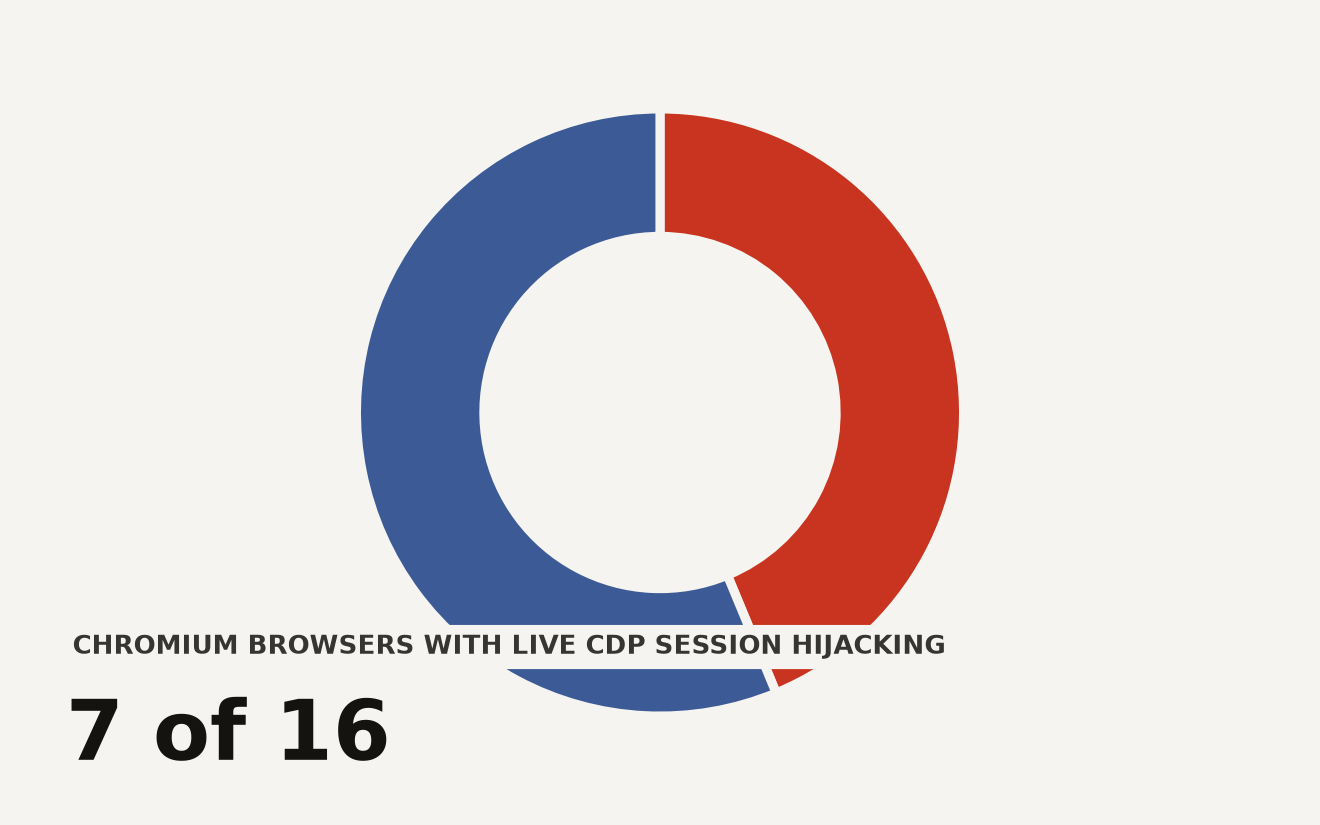
On August 7, 2026, researchers at Defiant's Wordfence team began detecting attacks through their web application firewall that traced back to a cross-site scripting vulnerability in promotional banner code used across seven BdThemes plugins. The WordPress.org plugin team disabled all seven downloads on August 8, and the poisoned API endpoints returned clean JSON by the same day. But clean endpoints do not remove rogue admin accounts, webshells, or persistence mechanisms already planted on exposed sites. The vendor advertises over 350,000 active installs across its portfolio, and the earliest possible campaign date stretches back to June 23, giving attackers more than six weeks of potential access.
The attack required no plugin update, no file modification, and no user interaction beyond an administrator loading a wp-admin page.
How did this attack bypass standard supply chain integrity checks?
The core novelty is the attack vector. Wordfence researcher Paolo Tresso noted that, unlike traditional supply chain attacks, zero source code files were modified in the WordPress.org repository. Every checksum, every file integrity monitor, every code-level audit would have passed clean.
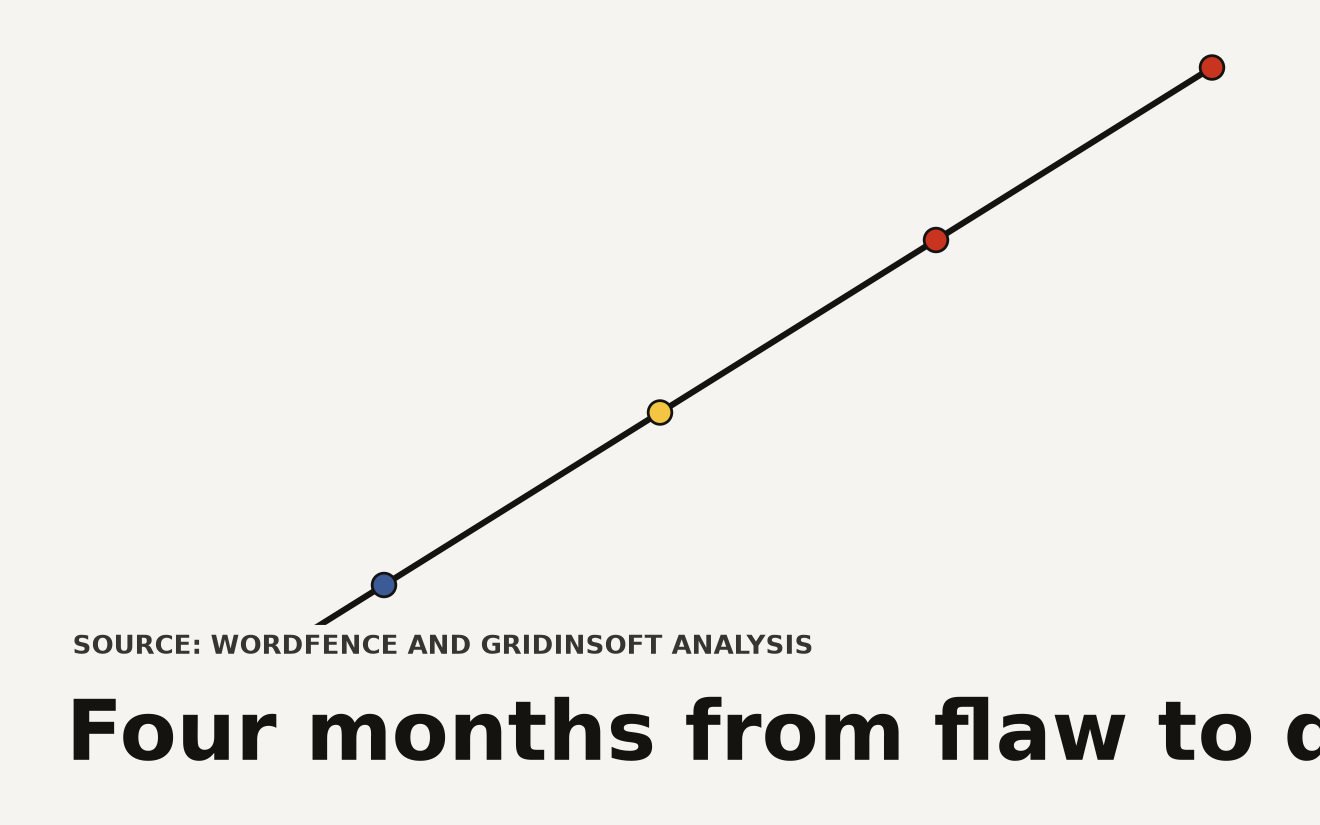
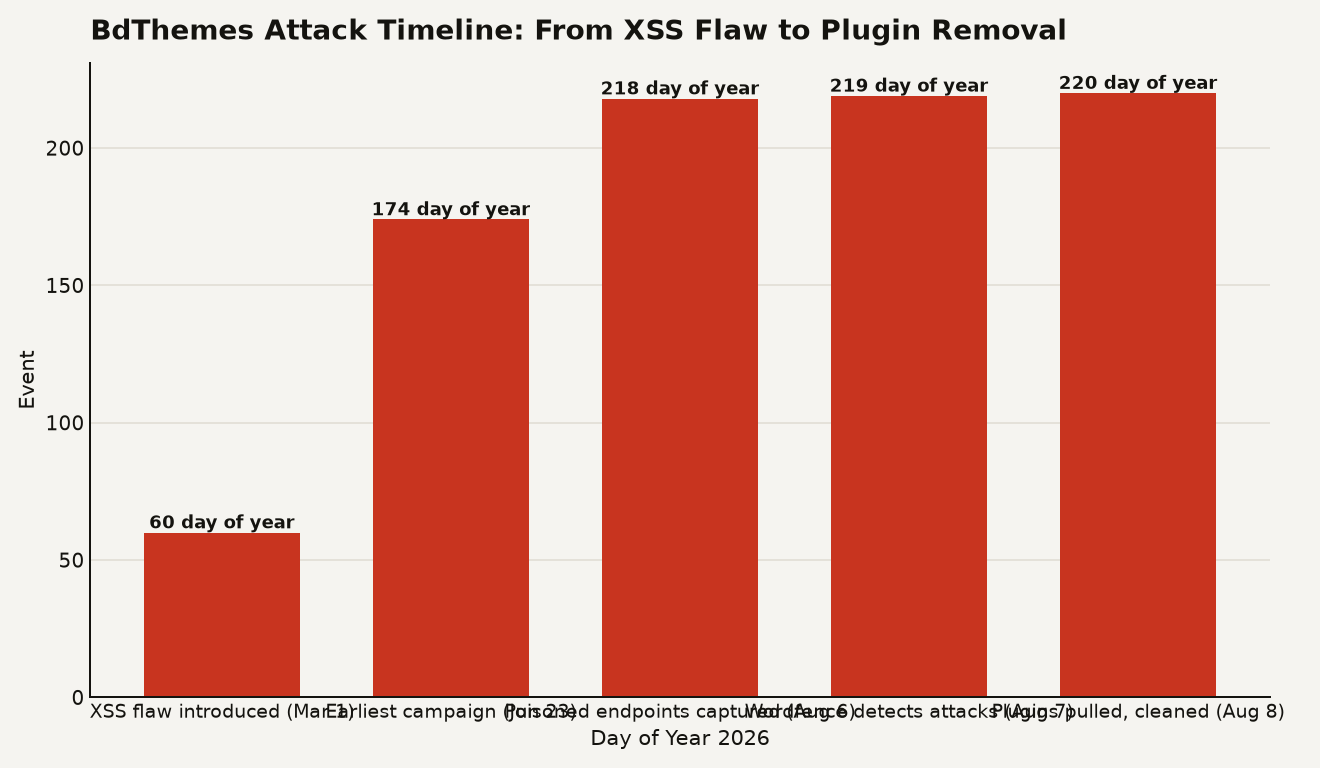
The attacker gained write access to BdThemes' Sigmative storage bucket, the remote endpoint that served promotional banner JSON to plugin installations. They replaced the legitimate promotional data with a malicious payload that exploited an XSS vulnerability in the display_id parameter of the JSON parsing code. That flaw was introduced in March 2026, giving the vulnerability a four-month runway before detection.
The chart below maps the full attack window from the initial coding flaw through plugin removal.
The Biggop Library, shared across all affected plugins, was responsible for fetching and rendering promotional banners from the vendor's API server inside the WordPress admin dashboard. When a logged-in administrator opened any wp-admin page, the plugin fetched the remote JSON, parsed it, and rendered the promotional content. The unescaped display_id value let the attacker's JavaScript execute in the administrator's browser context, with full access to the authenticated WordPress session and nonce.
This is the trust gap that matters. The plugin treated a remote vendor endpoint as trusted input at runtime, even though that endpoint was never part of the integrity-checked plugin package. File integrity monitoring, repository signing, and plugin version pinning all assume the threat lives inside the downloaded code. Here, the threat lived in a configuration feed loaded after installation.
Which BdThemes plugins were pulled and how many installs are at risk?
Seven plugins were affected, all sharing the Biggopti promotional banner component:
| Plugin | Directory slug |
|---|---|
| Element Pack Addons for Elementor | bdthemes-element-pack-lite |
| Prime Slider Addons for Elementor | bdthemes-prime-slider-lite |
| Pixel Gallery Addons for Elementor | pixel-gallery |
| Ultimate Post Kit Addons for Elementor | ultimate-post-kit |
| Ultimate Store Kit | ultimate-store-kit |
| Live Copy Paste for Elementor | live-copy-paste |
| Smart Admin Assistant | smart-admin-assistant |
BdThemes advertises a portfolio with over 350,000 active installs, though not every installation was necessarily exposed. The attack required two conditions to succeed: an affected plugin had to be active, and a logged-in administrator had to load a wp-admin page while the poisoned JSON was being served. Sites where the plugin was installed but no admin logged in during the attack window face lower risk, though not zero.
The poisoned feed was captured on August 6 and 7 and returned to clean JSON by August 8. The campaign window potentially opened on June 23, meaning any site with an active administrator during that span could have been hit. Wordfence observed attacks in the wild starting August 7, but the lack of earlier detection does not mean earlier attacks did not occur.
How does poisoned JSON become a rogue WordPress admin account?
The attack chain followed five steps, each building on the last:
- Remote fetch: A BdThemes plugin loaded promotional JSON from the vendor's remote Sigmative storage.
- XSS injection: An unescaped
display_idvalue in the poisoned response injected JavaScript into the authenticated wp-admin page. - Account creation: The script used the administrator's active session and WordPress nonce to create a rogue administrator account.
- Persistence: It uploaded a fake plugin containing
emer-run.php, then wrote must-use plugins that enabled magic-login access and hid attacker-created users from the normal dashboard view. - Exfiltration: Results were sent to attacker-controlled infrastructure. One alternate payload generated predictable credentials derived from the victim site's hostname.
The second payload, w2.js, established persistence through the webshell and must-use plugins. The must-use plugin architecture is particularly dangerous here. Files in wp-content/mu-plugins/ load automatically on every WordPress request and cannot be disabled through the admin dashboard. Removing them requires filesystem-level access.
The rogue admin accounts were hidden from the WordPress user list through database queries that manipulated the standard user query results. An administrator looking at the Users page in wp-admin would not see the attacker's account. This is why a file-integrity check alone, or even a visual admin audit, can miss the compromise entirely.
What indicators of compromise should I look for right now?
If any of the seven affected plugins was active on a site where an administrator logged into wp-admin during the suspected window, treat the site as potentially compromised. Do not trust the WordPress dashboard for your audit. The attack was designed to hide from exactly that view.
Check for these specific indicators from the hosting panel, SSH, or a known-clean recovery environment:
- Rogue admin accounts: Query the
wp_usersandwp_usermetatables directly via SQL, not through the WordPress API. Look for accounts with administrator capabilities that you did not create, especially any created between June 23 and August 8. - Must-use plugins: Inspect
wp-content/mu-plugins/for unexpected files, includingclass-wp-token-validate.phpand any file enabling magic-login access. - Webshell files: Search the entire filesystem for
emer-run.phpand any fake plugin directories inwp-content/plugins/that you did not install. - Database modifications: Look for changes to user roles, capabilities, or site settings that match the persistence pattern described above.
If any indicator is present, treat it as an active compromise. Preserve evidence, isolate the site, remove the persistence mechanisms from the filesystem and database, restore from a known-clean backup, and rotate all credentials including database passwords, API keys, and admin passwords.
How should I change my approach to remote configuration fetches?
This attack exposes a blind spot in WordPress plugin architecture and, more broadly, in any application that fetches configuration from a vendor endpoint at runtime. The plugin code passed integrity checks. The threat was in the data stream.
For WordPress operators running production sites, several practices shift from optional to essential:
- Network-level blocking of plugin telemetry and promotional endpoints: If your plugins fetch data from vendor APIs in the admin dashboard, consider blocking those requests at the WAF or reverse proxy level for production sites where you do not need promotional content.
- Runtime content security policy: A CSP that blocks inline script execution in wp-admin would have stopped this XSS from firing, even with the poisoned JSON reaching the browser.
- Out-of-band database auditing: Schedule periodic SQL queries against user tables that run outside the WordPress application layer, so hidden admin accounts cannot evade detection.
- Must-use plugin monitoring: Any file in
mu-plugins/that appears without a corresponding deployment ticket is a red flag. Monitor that directory with the same rigor as your primary code repository.
This incident also parallels the earlier OptinMonster CDN backdoor pattern documented in the same Gridinsoft analysis: code loaded into an administrator context can modify the site even when the expected plugin package looks legitimate. The lesson is that runtime trust boundaries need the same scrutiny as build-time integrity checks.
For a broader look at how supply chain attacks are evolving beyond source code modification, our coverage of the ChainDrop npm worm shows how attackers target runtime dependencies and package metadata across ecosystems.
The trust boundary that disappeared
The BdThemes attack is a proof of concept for a class of supply chain compromise that most integrity tooling does not cover. When a plugin fetches and executes data from a remote vendor endpoint inside an authenticated admin session, the trust boundary between verified plugin code and unverified runtime data dissolves. Every WordPress plugin that calls home for banners, license checks, or feature flags carries the same architectural risk that exposed BdThemes' 350,000 installs. The fix is treating remote configuration fetches as untrusted input at every layer, from the JSON parser to the browser CSP to the filesystem monitor.
Sources
- The Hacker News: BdThemes Supply Chain Attack Poisons JSON to Create Rogue WordPress Admins
- bleepingcomputer.com: BdThemes plugins supply-chain hack creates rogue WordPress admins
- blog.gridinsoft.com: BdThemes WordPress Plugins: Check for Hidden Backdoors
- colonelserver.com: Supply Chain Attack Bdthemes Plugin WordPress Malware Backdoor and Rogue