Databricks Lakeflow Designer has crossed the line from interesting demo to production tool, and that changes who gets to touch the transformation layer.
The feature is a visual, no-code canvas for preparing and transforming data inside Databricks. On June 16, 2026, Databricks said Lakeflow Designer is generally available, with workflows backed by production-ready code governed by Unity Catalog. The useful fact for a data engineer is simple: analysts can now build, preview, schedule, and hand off governed transformations without starting in a notebook.
That sounds like a power shift. It is also a bill shift. Lakeflow Designer uses Databricks compute, writes outputs to Unity Catalog, and can be scheduled through Lakeflow Jobs. If you influence the bill, your job is to make the canvas safe enough for analysts and observable enough for finance.
This guide is the engineering read: how it works, what it consumes, where governance actually applies, and where you should keep writing code. For the broader platform context, read our guide to how the Data Intelligence Platform splits work across governance, engineering, and AI.
What actually became GA in Lakeflow Designer?
Lakeflow Designer became generally available on June 16, 2026, after previously appearing in Databricks documentation as a preview feature. The release note says analysts can build visual transformation workflows using built-in operators or natural language, and that those workflows are backed by code governed by Unity Catalog.
The core object is a visual data prep file. Databricks describes each file as a directed acyclic graph made from operators such as filter, join, and transform, and the docs say those transformations are backed by code that can be versioned in Git and scheduled as jobs through Lakeflow Designer concepts. That matters because Designer is not a separate island for analyst experiments. It is a front end over code that can enter your normal production path.
The minimum requirements are tight enough to keep this from becoming spreadsheet sprawl. A workspace must have Unity Catalog enabled, and the user needs CAN USE permission on at least one general purpose compute resource, either serverless or all-purpose, according to the visual data prep setup requirements. That one permission check is where platform teams should start.
The GA scope also has one important availability caveat. The June release note says Lakeflow Designer is coming soon to workspaces with the compliance security profile enabled. If your regulated workspace depends on that profile, treat GA as a roadmap item until your account actually shows the feature.
The best mental model is this: Lakeflow Designer is a governed transformation workbench for analysts, not a replacement for Lakeflow Spark Declarative Pipelines. Use it to turn repeatable analyst prep into scheduled jobs. Keep complex streaming, CDC, strict test harnesses, and hand-tuned performance paths in engineering-owned code.
How do analysts build a workflow without creating a mess?
Every workflow starts with a Source operator. Databricks says the Source operator can browse Unity Catalog tables and volumes, browse workspace files, upload local CSV or Excel files, create a Unity Catalog table from a file, import from Google Drive, import from SharePoint, or use data previously landed through Lakeflow Connect as a table, according to the Designer ingestion documentation. That is a broad door, so permissions and landing zones matter.
The normal flow is short:
- Add a Source operator.
- Chain built-in operators such as Filter, Join, Aggregate, Pivot, SQL, or Transform.
- Preview each operator output in the bottom pane.
- Add an Output operator.
- Write the result to a Unity Catalog table.
- Schedule the visual data prep directly or add it as a task in a Lakeflow Job.
The preview behavior is where cost discipline begins. Databricks says operators process a limited sample by default, and the Rows scanned control can be set to Limit or Max; Max reruns upstream operators over the complete unbounded dataset and can take a long time, according to the build transformation guide. In plain English: the expensive button is visible to the analyst.
Designer also supports parameters. A SQL operator can reference a parameter with named marker syntax, while a Python operator can use dbutils.widgets.get(). This is the difference between one governed visual data prep and four copied canvases named final, final2, production, and real production.
SELECT
  customer_id,
  SUM(order_total) AS total_spend
FROM filtered_orders
WHERE environment = :environment
GROUP BY customer_id
That snippet is the kind of SQL you want analysts writing inside a SQL operator. It references the output of another operator by name, filtered_orders, and it keeps environment switching in a schedule parameter instead of hard-coding prod into the canvas.
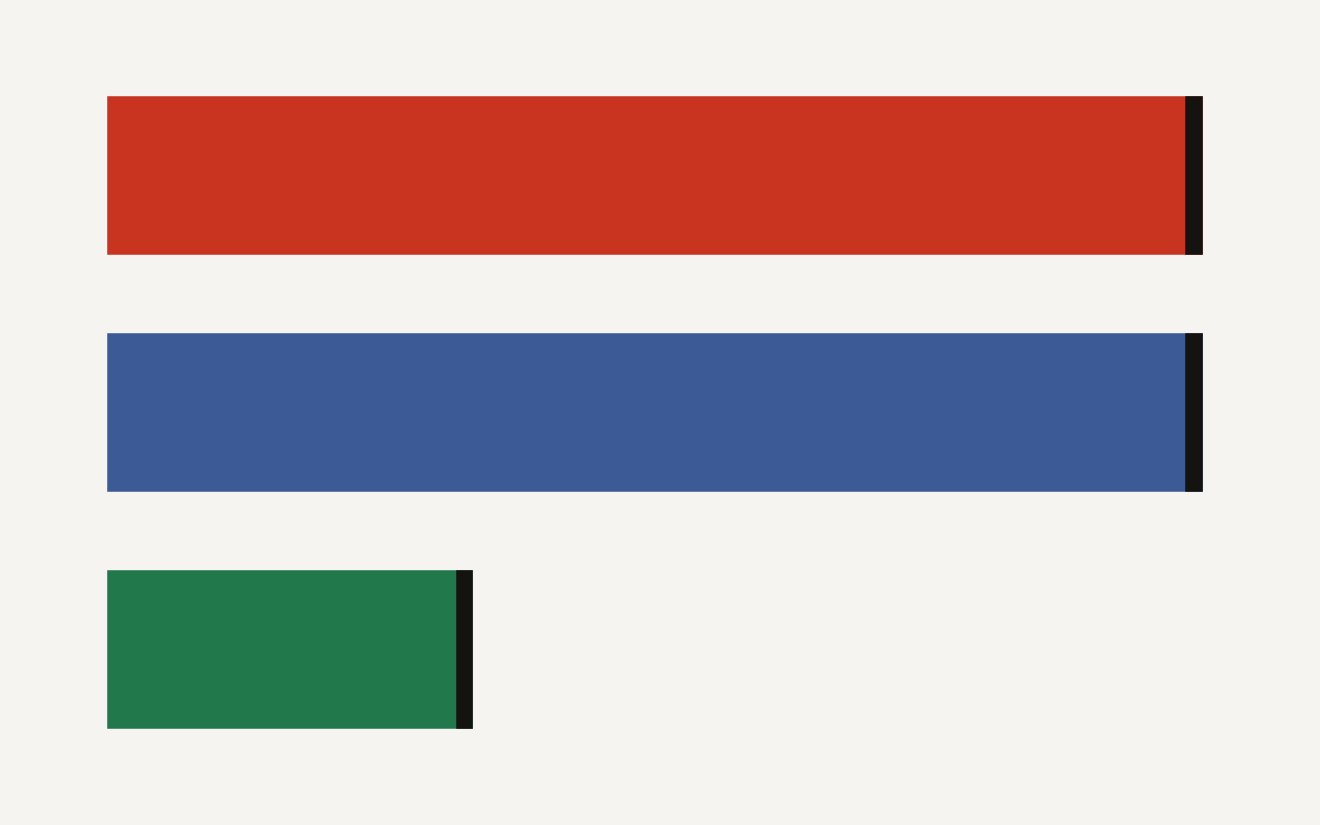
The feature surface is bigger than a drag-and-drop filter builder. The built-in operator docs list 9 AI Function operators, 9 transformation operators, and 3 user-defined operator types. The chart below shows the useful boundary: analysts get enough built-ins to do real work, while engineers still own the extension points.
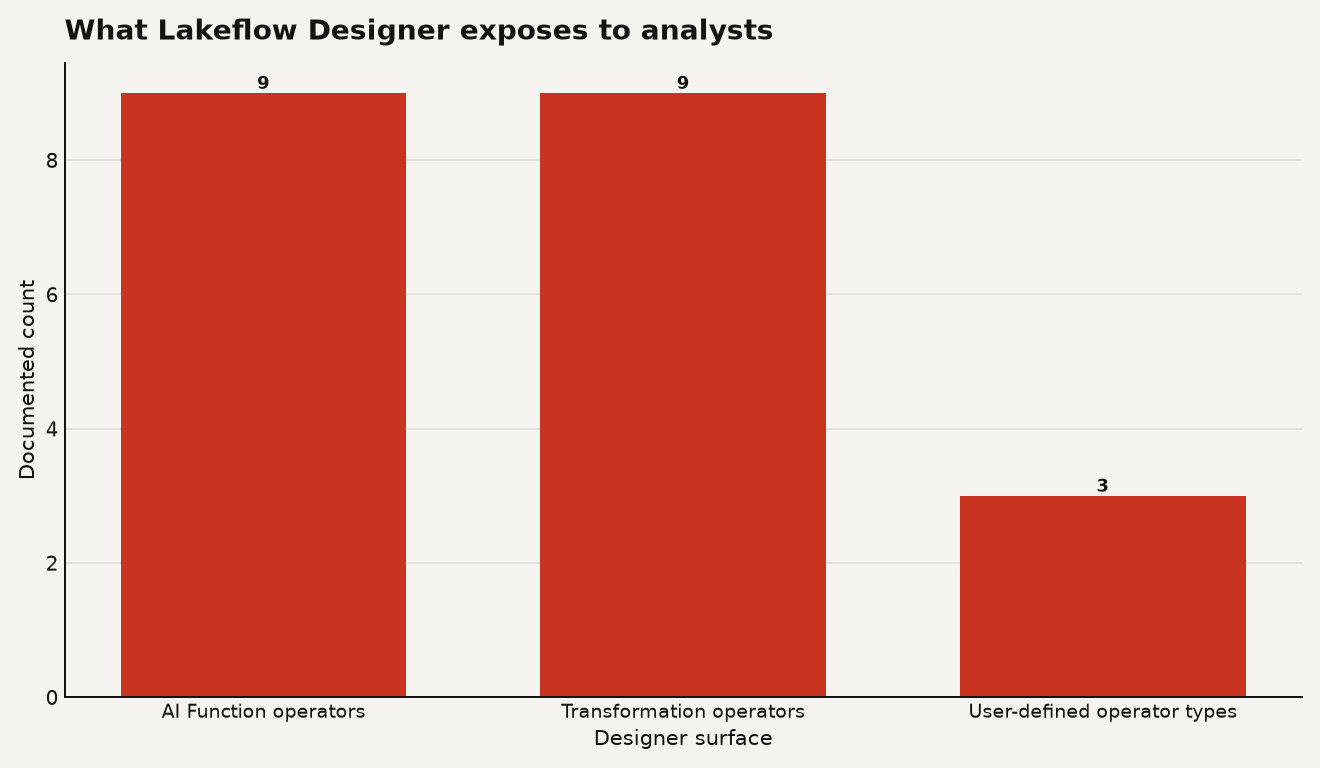
| Surface | What analysts get | Engineering control point |
|---|---|---|
| Built-in operators | Filter, Join, Aggregate, Pivot, Sort, SQL, Transform, Combine, Limit | Review naming, output tables, and schedule frequency |
| AI Function operator | ai_gen, ai_extract, ai_classify, ai_translate, and 5 more functions |
Approve use cases, regions, and downstream review paths |
| User-defined operators | python-run-function, uc-udf, and uc-udtf |
Own YAML, Unity Catalog functions, dependencies, and permissions |
That table is the handoff contract. Analysts compose. Engineers set the safe vocabulary.
Where does Unity Catalog governance actually show up?
Unity Catalog is the reason Lakeflow Designer is more interesting than a BI tool's prep tab. The output operator writes results to a table in Unity Catalog, and its configuration requires a table name plus an output catalog and schema, according to the built-in operators documentation. That puts outputs inside the same privilege model, lineage surface, and catalog naming scheme you already use.
The governance split is cleanest for user-defined operators. Databricks supports exactly three user-defined operator types: python-run-function, uc-udf, and uc-udtf, and the docs state that Unity Catalog UDF and UDTF operators are governed by Unity Catalog permissions such as EXECUTE and USE SCHEMA in the user-defined operators guide. Use that to keep business logic reusable without turning every analyst into a package maintainer.
A simple Unity Catalog function can become a column-level operator:
CREATE OR REPLACE FUNCTION ops_shared.clean_zip(zip STRING)
RETURNS STRING
LANGUAGE SQL
RETURN regexp_replace(zip, '[^0-9]', '');
Then the platform team registers it as a uc-udf operator instead of asking every analyst to rediscover the same regex. That is the win: standard logic becomes a button, and the button still respects EXECUTE.
The YAML schema is also explicit. Databricks says every user-defined operator YAML file uses user-defined-operator-v0.1.0, and the root properties include fields such as schema, type, name, id, version, description, config, ports, run_function, and environment in the operator YAML reference. That gives you a reviewable artifact for Git, code owners, and change control.
schema: user-defined-operator-v0.1.0
type: uc-udf
name: Clean ZIP
id: ops.clean_zip
version: '1.0.0'
description: Standardize US ZIP codes before joins.
Keep that registration file in a Git folder. Designer files themselves appear in Git as notebooks with the file_name.designer.ipynb format, according to the visual data prep guide. That is awkward compared with a pure .py pipeline, but it is reviewable enough for analyst-owned transforms if you make code review part of promotion.
What does Lakeflow Designer cost or consume?
Lakeflow Designer does not remove compute from the equation. It moves compute behind a friendlier canvas.
For interactive work, the docs require CAN USE on a general purpose compute resource, either serverless or all-purpose. For production runs, Designer can create a scheduled job directly or be added as a task in a Lakeflow Job. Databricks says each Lakeflow Jobs task has an associated compute resource, and if you use serverless, Databricks configures that compute for you in the Lakeflow Jobs task documentation.
The practical billing rule is: preview spend lands where the interactive compute lands, and scheduled spend lands where the job compute lands. Databricks exposes serverless usage through system.billing.usage, including identity_metadata.run_as, usage_metadata.job_id, usage_metadata.job_name, notebook_id, and notebook_path, according to the serverless cost monitoring guide. Use that table before the first analyst enablement meeting, not after the invoice surprise.
SELECT
  identity_metadata.run_as,
  usage_metadata.job_id,
  usage_metadata.job_name,
  SUM(usage_quantity) AS total_dbu
FROM system.billing.usage
WHERE usage_unit = 'DBU'
  AND usage_date >= DATEADD(day, -30, current_date)
  AND billing_origin_product IN ('JOBS', 'INTERACTIVE')
GROUP BY 1, 2, 3
ORDER BY total_dbu DESC;
That query is intentionally broad. It will not magically label every visual canvas as Lakeflow Designer, but it will show which users and jobs are burning DBUs through the compute paths Designer uses. Add workspace tags, job naming conventions, and schedule names if you want showback that a finance partner can understand.
Also watch serverless quotas. Databricks says serverless quotas are measured in DBUs per hour, and serverless compute for notebooks, jobs, and Lakeflow Spark Declarative Pipelines has a per-workload scale-up limit in the serverless quota documentation. The same doc says quotas are a safety measure, not a general purpose spend limiter. Translation for platform owners: use budgets and alerts for dollars, not quotas.
AI Function operators need an extra review step. The Designer operator list includes functions such as ai_extract, ai_classify, ai_gen, and ai_translate. Those can be valuable for support-ticket tagging or text cleanup, but they can also turn a cheap row transform into a model workload. Approve them by use case, especially when the input table has millions of rows.
When should you use Designer instead of a notebook or pipeline?
Use Lakeflow Designer when the transformation is analyst-shaped: a join, filter, aggregate, reshape, or light SQL step that needs governance and scheduling. Do not force a data engineer to write a Spark job just to deduplicate a sales extract and publish a small gold table every morning.
A good first rollout has 3 rules:
- Give analysts
CAN USEon a constrained serverless or all-purpose compute target, not every cluster in the workspace. - Require Output operators to write into approved Unity Catalog schemas such as
sandbox,analytics_dev, andanalytics_prod. - Promote shared business logic through
uc-udfanduc-udtfoperators instead of copy-pasted SQL fragments.
Keep notebooks or Lakeflow Spark Declarative Pipelines for workloads with streaming state, CDC semantics, complex tests, dependency packaging, or data volumes where physical planning matters. Designer's Rows scanned: Max control is convenient, but it is not a performance model.
The wrong use case is also clear: do not use Designer as a shadow ETL tool for critical data contracts with no review path. A visual DAG can still break downstream users. The fact that it is pretty does not make it harmless.
The best operating model is a split ownership model. Analysts own the canvas logic and business intent. Data engineers own extension operators, Unity Catalog promotion paths, job schedules, and billing dashboards. That makes the tool productive without turning the warehouse into a craft fair.
Who should own the visual canvas now?
Lakeflow Designer GA is Databricks admitting that the transformation layer is no longer only an engineering surface. That is mostly good news for teams that are drowning in small requests.
The trade is control for throughput. You should take the trade where Unity Catalog can contain the blast radius, jobs can expose the spend, and Git can preserve review. You should reject the trade where visual convenience hides model calls, full-table previews, or production schemas with no owner.
The canvas belongs to analysts. The guardrails belong to you.
Sources
- Databricks Release Notes: June 2026
- Databricks documentation: Lakeflow Designer
- Databricks documentation: What is Lakeflow Designer?
- Databricks documentation: Create a visual data prep in Lakeflow Designer
- Databricks documentation: Ingest data into Lakeflow Designer
- Databricks documentation: Built-in operators in Lakeflow Designer
- Databricks documentation: User-defined operators in Lakeflow Designer
- Databricks documentation: User-defined operator YAML reference
- Databricks documentation: Configure and edit tasks in Lakeflow Jobs
- Databricks documentation: Monitor the cost of serverless compute
- Databricks documentation: Serverless compute quotas